Computer Desk: Height, Depth, Types and How to Choose the Right One
A computer desk is where many of us spend most of our day. It’s where we work, study, game and manage the house. A good one supports your body and keeps your gear organized. A bad one leads to sore shoulders, a stiff neck and a cluttered mess.
This article is part of our home office desk guide, where you can compare related options.
A computer desk is a desk made to hold a computer, monitor, keyboard and related items. Many have a keyboard tray, cable holes, shelves or drawers. Some are simple tables, while others are corner, L-shaped or standing desks.
This guide explains the best height and depth for a computer desk, how to place your monitor, which desk types fit different spaces and what to check before you buy. You’ll also find a comparison table and answers to common questions.
What Height Should a Computer Desk Be?
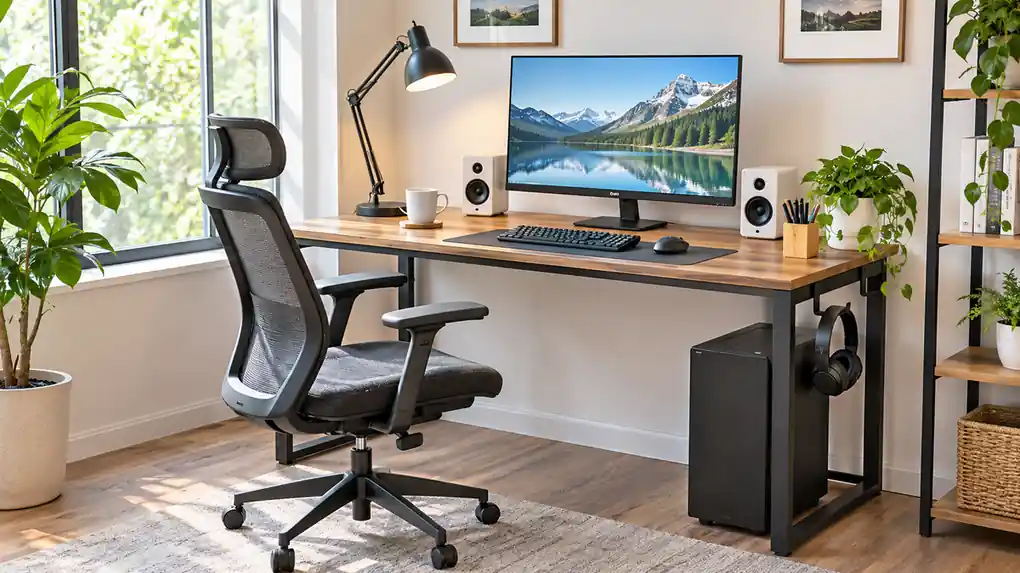
A fixed-height desk as about 28 to 30 inches (71 to 76 cm). One source describes the right height as having the surface at your elbow level when you sit, usually about 70 to 75 cm for most adults.
The goal is to keep your arms bent at a comfortable angle, with your wrists straight and your shoulders relaxed. If the desk is too high, you’ll shrug your shoulders. If it’s too low, you’ll hunch.
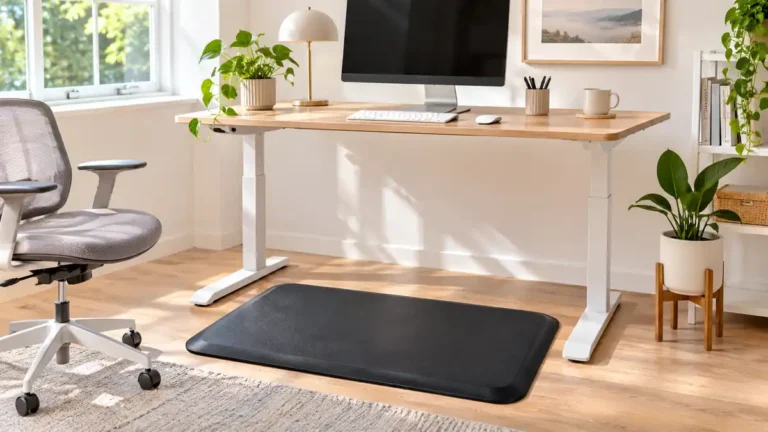
Your chair is just as important. One retailer notes that a chair that’s too high or too low undermines every other decision. Set your chair height first, so your feet rest on the floor and your thighs are roughly level. Then check if the desk matches your elbow height. If it doesn’t, an adjustable-height desk or a keyboard tray can help.
What Depth Does a Computer Desk Need?
Depth decides how far your monitor sits from your eyes. Common computer desk depths are 24 to 30 inches. A UBC ergonomics checklist, the strongest source I found, says usable computer work surface depth should be 30 inches or more, and that 24-inch-deep desks are not ideal.
If you use a large monitor or like to keep space for papers, choose a deeper desk. If your room is tight and the desk is shallow, a monitor arm lets you move the screen back and free up desk space. Measure the wall space behind the desk for the monitor stand and cables.
How Far Should Your Monitor Be?
A common guide is about arm’s length from your eyes. One source puts the ideal distance at roughly 20 to 25 inches, with the top of the screen at or just below eye level. Another says 20 to 40 inches works for compact desks. For screens 27 inches or larger, one retailer suggests 70 to 80 cm (about 28 to 31 inches) for a comfortable view without a riser.
Tilt the screen slightly back, avoid glare from windows and keep the center of the screen slightly below eye level. If you wear glasses, adjust the position so you don’t tilt your head.
Types of Computer Desks
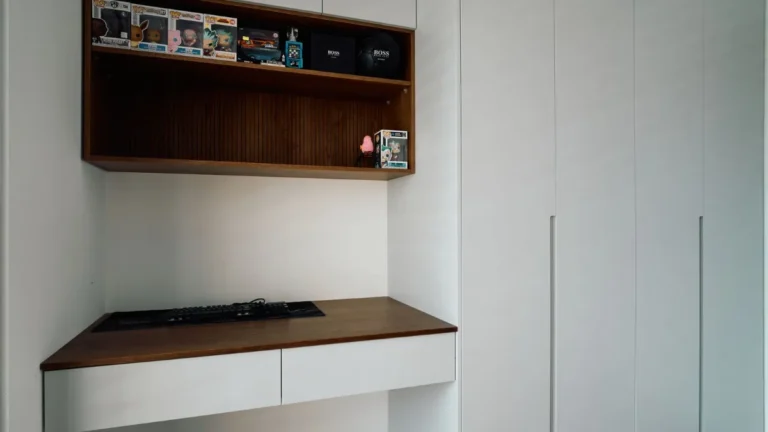
Standard desk: a simple rectangular desk with a flat top. Easy to fit in most rooms. Corner desk: fits into a corner and uses space that would otherwise be wasted. L-shaped desk: two surfaces for more work area. It needs more floor space. Compact or small desk: made for small rooms and apartments. Good for a laptop and one monitor. Standing or sit-stand desk: adjusts to different heights so you can alternate between sitting and standing. Desk with hutch: has shelves above the desk for storage. Writing desk: a slimmer desk that suits a laptop, but may be too shallow for a big monitor. Gaming desk: a wider, deeper desk made for multiple monitors and accessories. Many have cable management and built-in features.
| Type | Best for | Watch out for |
|---|---|---|
| Standard | Most home offices | Limited storage |
| Corner | Using corner space | Awkward reach in the corner |
| L-shaped | Large workspace | Big footprint |
| Compact | Small rooms | Shallow depth |
| Sit-stand | Mixing sitting and standing | Higher cost |
| Gaming | Multiple monitors | Size and weight |
Features Worth Looking For
Cable management: grommet holes, cable trays and clips keep cords tidy. Check that the holes line up with your wall outlets. Keyboard tray: a pull-out tray can bring the keyboard to the right height, but check how much leg room it leaves. Storage: drawers and shelves keep supplies within reach. Think about whether you need them, or if they’ll just add bulk. Weight rating: monitors, PCs and printers add up. Check the top’s weight limit. Surface material: wood is classic. Laminate resists scratches. Glass looks sleek but shows fingerprints. Check for a finish that suits heavy use. Stability: the desk should not wobble when you type. Look for sturdy legs and cross braces. Leg room: make sure there’s space for your knees and legs. Drawers on both sides can limit this.
How to Set Up Your Computer Desk
- Place the desk with good light. Avoid glare from windows on your screen.
- Adjust your chair first. Feet flat, thighs level.
- Position your monitor. About an arm’s length away, top at or just below eye level.
- Place the keyboard and mouse. Keep them close so your elbows stay by your sides.
- Add support. A footrest can help if your feet don’t reach the floor.
- Organize cables. Use clips and ties.
- Keep daily items close. Place the things you use most within easy reach.
- Take breaks. Stand up and stretch regularly.
How to Choose a Computer Desk
Measure your space. Include the wall, window and door positions. Check the depth. Aim for 30 inches if you can, or plan on a monitor arm. Check the height. Match it to your elbow height, or choose an adjustable model. Pick the type. Standard, corner, L-shaped or sit-stand based on your room and work. Count your gear. Monitors, a PC tower, a printer and speakers all need space. Check cable management. It matters more than people expect. Look at the weight rating. Make sure it suits your equipment. Consider the material. Choose something that stands up to your use. Read reviews. Look for notes on wobble and assembly. Set a budget. Desks range widely. Spend more on the features you use daily.
What mistakes should you avoid?
A few common mistakes are worth avoiding: choosing a desk that’s too shallow (your monitor ends up too close to your eyes); ignoring chair height (a good desk can’t fix a bad chair setup); skipping cable management (cords end up tangled behind the desk); buying without measuring (the desk may not fit the room or the door); forgetting about legroom (drawers and trays can cramp your legs).
Frequently Asked Questions
What is the standard height of a computer desk?
About 28 to 30 inches (71 to 76 cm) for fixed-height desks. The best height puts the surface near your elbow when you sit.
How deep should a computer desk be?
Common depths run from 24 to 30 inches. A UBC ergonomics checklist says 30 inches or more is best, and that 24 inches is not ideal.
How far should my monitor be from my eyes?
About an arm’s length, or roughly 20 to 25 inches, with the top of the screen at or slightly below eye level. Larger screens may need more distance.
Is a standing desk worth it?
If you want to alternate between sitting and standing, yes. It costs more than a fixed desk. Adjust the height so your arms are comfortable in both positions.
What size computer desk do I need for two monitors?
Choose a wider and deeper desk. A deeper desk helps you keep both screens at a comfortable distance. Measure your monitors and add space for your keyboard and mouse.
Do I need a monitor arm?
It’s useful if your desk is shallow or you want to adjust the screen position. It frees up desk space and lets you set the height and distance more easily.
Conclusion
The right computer desk fits your body, your space and the gear you use. Look for a height near your elbow level, a depth of 30 inches if you can, and a monitor about an arm’s length away.
Choose a type that suits your room, check cable management and the weight rating and set up your chair first. A well-chosen desk can make long hours at the computer more comfortable.
Related guides
 Desk Shelf Guide: Clamp-On Shelves, Risers, Hutches, Sizes and Weight CapacityQuick answer: a desk shelf adds a second level to your desk for a monitor, books or supplies. Main types are…Read more →
 Wood Desk Guide: Solid Wood vs Veneer, Weight, Repairability, Size and CareQuick answer: a wood desk can be solid wood or a thin layer of real wood (veneer) over a cheaper core. Solid…Read more →
 Desk Pad Guide: Leather, PU, Felt and Cloth Materials, Size, Grip and CleaningA desk pad is a large mat that sits on your desk. It protects the surface from scratches, spills and heat,…Read more →