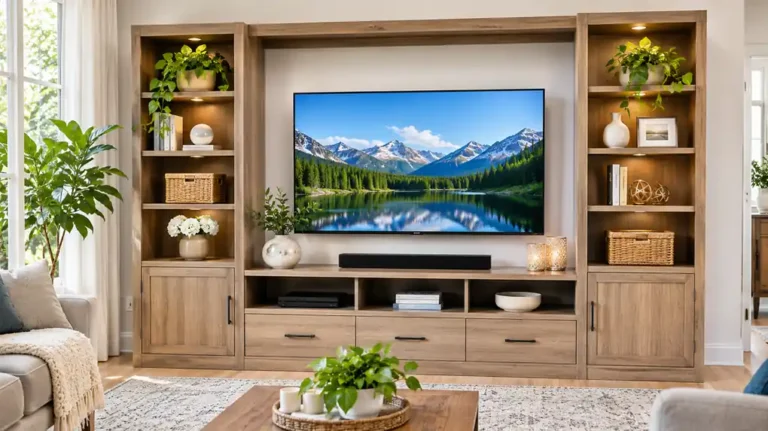
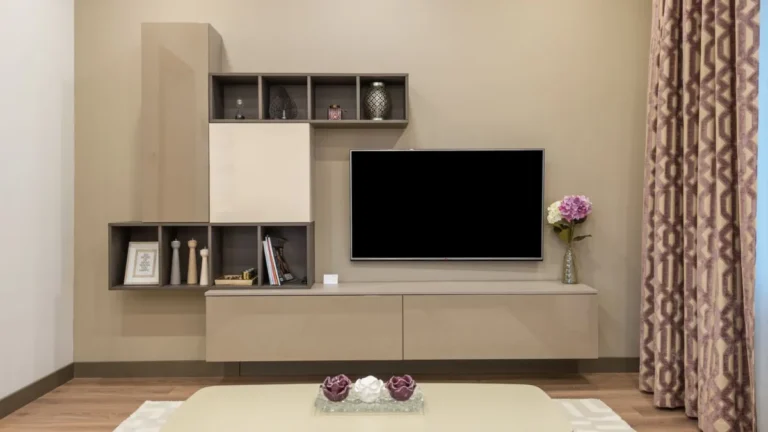
Floating TV Stand: Mounting Height, Weight Capacity, Studs and Cables
A floating TV stand hangs on the wall instead of standing on the floor. It leaves the floor clear, makes cleaning easier and gives a living room a sleek, modern look. But it also puts the weight on your wall, so you need to plan the height, the mounting and the load.
This article is part of our tv stand buying guide, where you can compare related options.
A floating TV stand, also called a wall-mounted media console, is a shelf or cabinet mounted to the wall, usually below a wall-mounted TV. It holds a soundbar, a cable box, a game console and other gear. Some include doors or drawers. Others are open shelves.
This guide explains how to choose the right height, how to check weight capacity, why studs matter, how to manage cables and how to install a floating TV stand. You’ll also find a comparison table, a checklist and answers to common questions. Most of the specs here come from retailer listings, so treat them as examples.
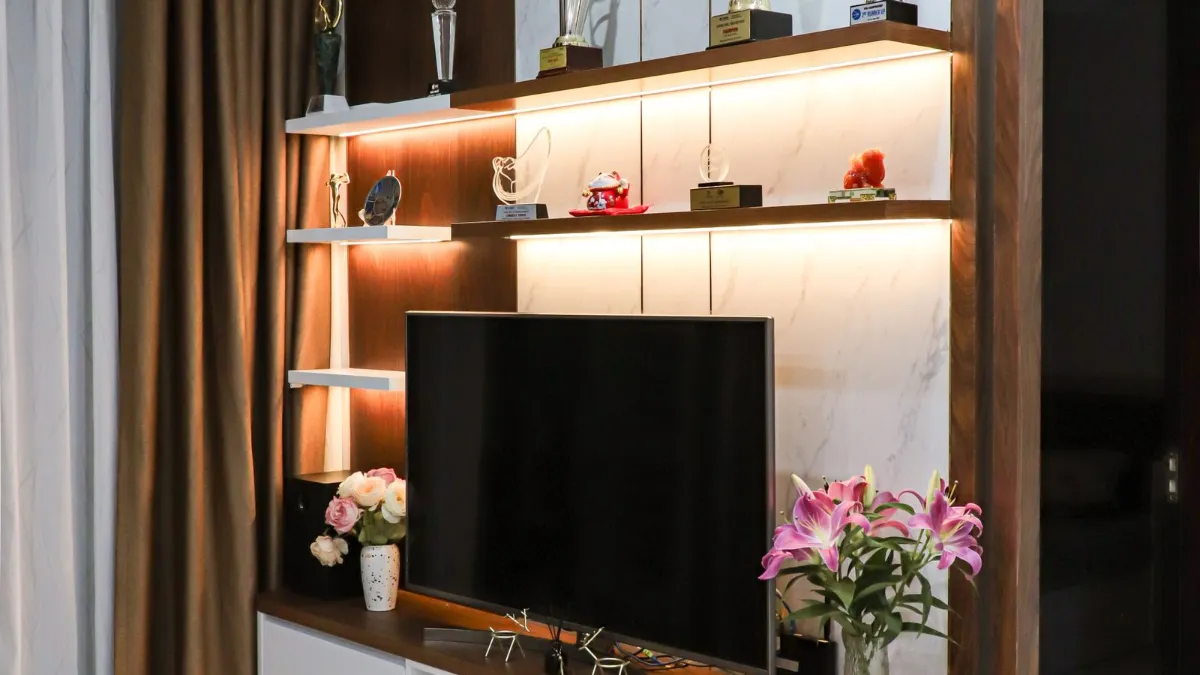
Floating TV Stand vs Standing TV Stand
| Feature | Floating TV stand | Standard TV stand |
|---|---|---|
| Floor space | Clear | Used |
| Look | Modern, light | Varies |
| Cleaning | Easy underneath | Harder |
| Installation | Wall mounting | None |
| Load limit | Limited by wall | Limited by furniture |
| Moving | Harder | Easy |
If you rent, check your lease before you drill. If you want a simple setup, a standard stand may be easier. See the TV stand guide.
Height: Where to Mount It
One guide suggests that for a TV centered at about 42 inches from the floor, the top of the stand should sit roughly 18 to 24 inches off the floor, depending on the stand’s height. That calculation is based on where the TV’s center lands, with the stand’s own height as a variable. Another guide treats mounting height as adjustable and recommends setting it around seated eye level and the wall space you have.
A good method:
- Sit on your sofa and note your eye level.
- Decide where the center of the TV should be, usually near eye level.
- Subtract half the TV’s height to find the bottom of the TV.
- Leave space for a soundbar, if you use one.
- Place the stand below that, leaving a gap of a few inches.
Also think about furniture and pets. A stand too low can be a bump hazard, and one too high can be awkward to reach. Leave space for vents, because gear needs airflow.
Weight Capacity
Ratings vary widely. Listed capacities in the results range from about 20 kg (44 pounds total on one model) to 100 pounds and beyond, and one stand is rated for 220 pounds. Check the manufacturer’s rating for the stand, and also the wall’s capacity. One source notes that the combined weight of the TV, the console and anything on its shelves counts toward the load.
Do the math: weight of the stand; weight of any TV on top (if the stand supports it); weight of devices; decor and books.
Don’t exceed the rating, and leave a margin. Older or weaker walls may need reinforcement.
Many floating stands are not designed to hold a TV on top. They’re meant to sit below a wall-mounted TV. Check the product description.
Studs: Why They Matter
Mounting into studs is the consistent advice in the sources. One source warns that skipping studs can cause instability, wall damage and safety hazards. A stud finder is the usual way to locate them.
Studs are often spaced about 16 inches apart, but not always. Many stands have a wall rail that spans multiple studs. Some stands ship with wall-anchor hardware, but that is not universal, so confirm what’s included before you buy. Use the screws and anchors recommended by the maker. If studs don’t line up, consider a plywood backer board across two studs, as sometimes recommended for TV mounts.
If your wall is brick, concrete or plaster, use hardware made for that material. When in doubt, hire a pro.
Cable Management
Most products advertise rear or side cable openings, grommets or hidden compartments. One review said routing HDMI and power cables through the openings worked without sharp bends or pinching. Plan for power outlet placement, too, since some stands include built-in outlets and others don’t.
Tips: check where your outlets are before choosing the height; use cable clips and ties; use a raceway to hide cables on the wall; keep power and signal cables separate; make sure vents aren’t blocked; plan for the soundbar and streaming box; for hidden in-wall wiring, follow electrical code or hire an electrician.
How to Install a Floating TV Stand
Follow the instructions for your model. General steps:
- Choose the position and height.
- Find the studs and mark them.
- Mark level lines with a level and pencil.
- Attach the wall bracket or rail to the studs with the right hardware.
- Hang or slide the stand onto the bracket.
- Secure it with any locking screws.
- Test the load gradually.
- Route cables and plug in your devices.
- Mount the TV on the wall above, following the TV mount guide.
Use a helper, since stands can be heavy and awkward. For more on TV mounting, see the how to mount a TV on the wall guide.
Sizing the Stand
Choose a width that suits your TV. Many guides suggest a console at least as wide as the TV, and a bit wider looks balanced. A 65-inch TV is about 57 inches wide, so a stand of 60 inches or more looks balanced. Check the stand’s depth for your devices. Floating shelves often have shallow depth.
How to Choose a Floating TV Stand
Measure your wall. Width, studs and outlets. Decide on the height. Seated eye level and soundbar space. Check the weight rating, and the wall’s capacity. Choose open shelves or closed storage. Check the depth for your devices. Check cable openings. Check ventilation. Check the hardware. Is it included? Match the finish to your room. Read reviews for notes on sagging.
What mistakes should you avoid?
A few common mistakes are worth avoiding: skipping studs (the stand may pull out); overloading it (check the weight limit); mounting too low or too high (think about viewing comfort); blocking vents (gear can overheat); forgetting cable plans (cords end up messy); using a floating stand to hold a TV that it isn’t rated for (check the specs).
Frequently Asked Questions
How high should a floating TV stand be?
One guide suggests the top of the stand sit roughly 18 to 24 inches off the floor for a TV centered around 42 inches, depending on the stand’s height. Adjust to your eye level.
How much weight can a floating TV stand hold?
Listings range from about 44 pounds to over 100 pounds, and one is rated for 220 pounds. Check the manufacturer’s rating and your wall.
Do I need studs to mount a floating TV stand?
Yes, studs are the consistent advice. Skipping them can cause instability and wall damage.
Can I put a TV on top of a floating stand?
Only if the stand is rated for it. Many are designed for a wall-mounted TV above.
How do I hide cables on a floating TV stand?
Use the rear or side openings, clips and raceways. Plan outlet placement.
Is a floating TV stand good for renters?
It needs drilling. Check your lease first.
Conclusion
A floating TV stand gives your living room a clean, modern look and frees up floor space. Choose a height that matches your seating, check the weight rating and mount it into studs.
Plan cable routes and ventilation, and don’t exceed the load. With careful installation, a floating TV stand can be both stylish and secure.
Related guides
 TV Stand: How to Choose the Right Size, Style and StorageA TV stand does more than hold up your screen. It decides how your living room looks, where your cables go and…Read more →
 Modern TV Stand Guide: Size, Height, Wall-Mount Options, Cable Management and Tip-Over SafetyQuick answer: a modern TV stand should be wider than your TV so the screen does not overhang, sit at a height…Read more →
 Corner TV Stand Guide: Sizes for 55 and 65 Inch TVs, Weight Capacity, Depth and Cable ManagementA corner TV stand turns an awkward empty corner into your entertainment center. It holds the TV, hides cables…Read more →
 Book Stand Guide: Cookbook Holders, Reading Stands, Materials, Angles and How to ChooseQuick answer: a book stand holds a book, cookbook or tablet upright at a readable angle. Choose bamboo or wood…Read more →