Entertainment Center: Sizes, Types, Ventilation and How to Choose
An entertainment center is the main piece of furniture in many living rooms. It holds the TV, hides the cables and gives your game console, speakers and movies a place to live. A good one keeps the room tidy. A poor one traps heat, blocks outlets or looks too big for the wall.
This article is part of our tv stand buying guide, where you can compare related options.
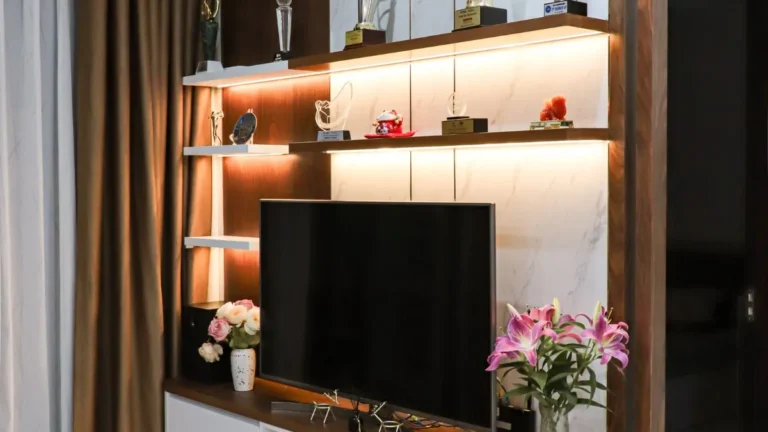
An entertainment center is a large piece of furniture built to hold a television and related gear. It usually combines shelves, cabinets and drawers, and some include a space for a fireplace or a wall panel behind the TV. It’s the biggest option in the TV furniture family, which also includes TV stands and media consoles.
This guide explains the difference between an entertainment center, a media console and a TV stand, how to size one for your TV and wall, how to manage heat and cables and what to check before you buy. You’ll also find a comparison table and answers to common questions.
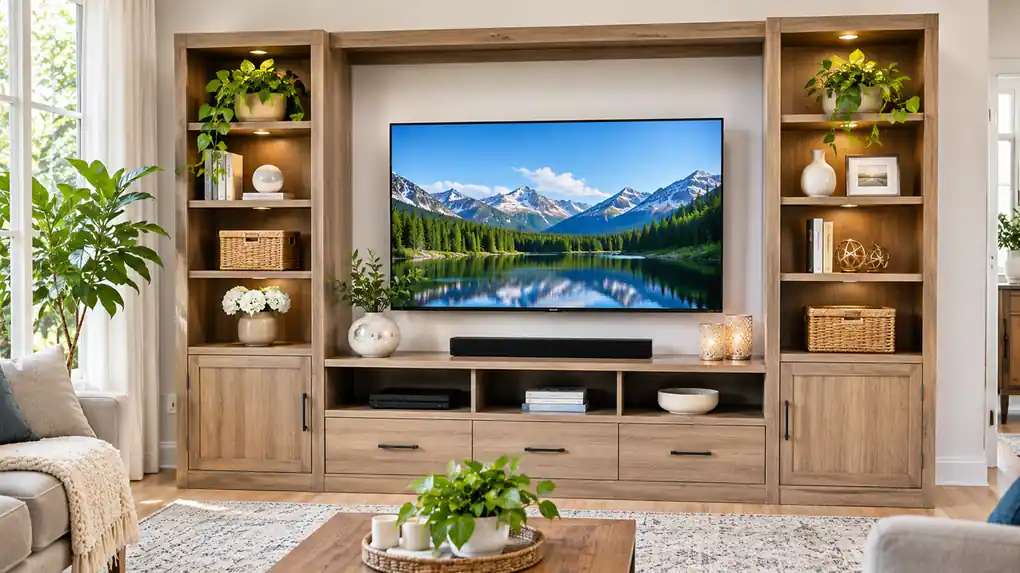
Entertainment Center vs Media Console vs TV Stand
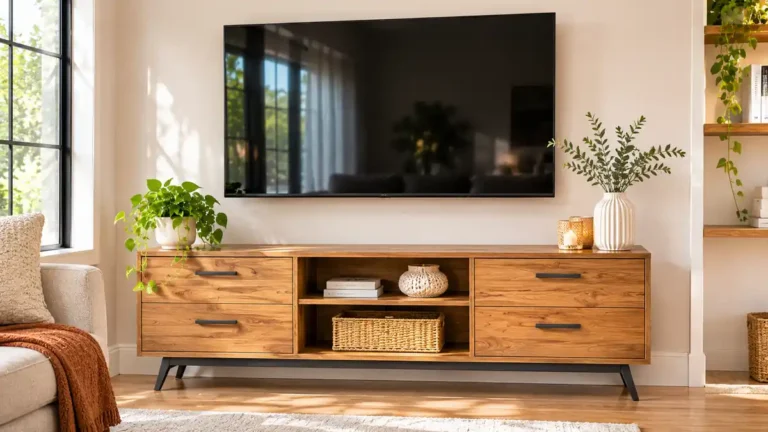
These names overlap, and stores use them in different ways. In general: A TV stand is a low, simple piece that holds the TV and perhaps a few devices. A media console is a wider, lower cabinet with more doors and drawers. It often has open bays for devices and closed storage on the sides. An entertainment center is usually the largest option, often combining shelves, cabinets and sometimes side towers or a hutch.
| Piece | Size | Storage | Best for |
|---|---|---|---|
| TV stand | Small to medium | Low | Simple setups |
| Media console | Medium to wide | Medium | Long walls, clean look |
| Entertainment center | Large | High | Big rooms, lots of gear |
If you want a simple look with a wall-mounted TV, a low console may be enough. If you have a lot of devices, discs, games and decor, an entertainment center gives you more room.
Types of Entertainment Centers
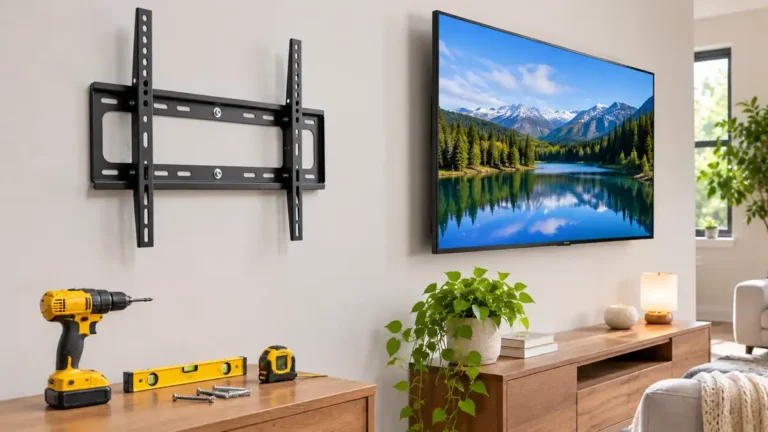
Wall unit: a tall piece with a central TV space and shelves or cabinets on either side. It fills a whole wall. Console with hutch: a low cabinet with a shelf unit above or beside it. Corner entertainment center: made to fit into a corner, which saves wall space. Entertainment center with fireplace: includes an electric fireplace insert below or beside the TV. Floating or wall-mounted unit: mounted on the wall, which leaves the floor clear. It needs a strong wall. Modular system: separate pieces that you can arrange as you like. Entertainment center with TV mount: has a built-in mount or panel for the TV.
How to Choose the Right Size
Start with the TV, and then check the wall.
Measure your TV: the screen size on the box is the diagonal. Measure the actual width of the TV. A 65-inch TV is about 57 inches wide, according to one guide. Compare the center’s TV space: if the center has a built-in TV opening, make sure the TV fits with some room around it. The opening should be wider and taller than your TV. Check the wall width: measure the total width of the wall where you plan to put it. Leave a little space on the sides. One suggests a console 2 to 6 inches wider than the TV on each side. Another suggests at least 57 to 60 inches for a 65-inch TV for weight and balance. Treat these as guides. Check the depth: one guide suggests the unit should be several inches deeper than your deepest device, so air can flow and cables can run behind the gear. Check the delivery path: a large, assembled unit may not fit through a standard doorway. Confirm how it will be delivered and whether it needs assembly.
Weight Capacity
Check the weight rating of the top surface. One guide advises that the rated top capacity should exceed your actual TV weight by at least 20 percent, so you have room for decor on top. Heavy solid-wood units and floating units need a wall that can handle the load, especially if the TV is wall-mounted.
Ventilation: Keeping Gear Cool
Electronics produce heat. Game consoles, streaming boxes and receivers can run warm, and heat shortens their life.
Open shelving allows faster access and better airflow, but you’ll need to organize the cables. Closed cabinets can trap heat. Look for vent slots or grills, and make sure each device has its own airflow path. Leave a few inches of space around each device. Don’t stack devices tightly together. Check the back panel. Cutouts help hot air escape and let cables through.
If you use a closed cabinet, you can add a small fan kit made for entertainment centers. Also remember that doors can block remote signals. Glass or mesh doors, or an IR repeater, can fix that.
Cable Management
Plan your cables before you shop. Different entertainment centers handle cables in very different ways.
Look for cutouts or pre-drilled holes in the back panel. Check if the unit blocks wall sockets. One guide warns that some units block outlets, forcing the unit to sit several centimeters away from the wall. Use a power strip with surge protection inside the unit, so only one cord goes to the wall. Bundle cables with ties, and label each end. Use cable sleeves or channels for a neater look. Keep power cords away from signal cables to reduce interference.
If your TV is wall-mounted, consider an in-wall cable kit that is rated for the job. Follow safety rules, and hire an electrician if you aren’t sure.
Materials and Style
Entertainment centers come in solid wood, engineered wood, metal and glass, as well as combinations. Solid wood is strong and long lasting but heavy. Engineered wood is more affordable and comes in many finishes. Metal and glass look modern but need careful loading.
Match the style to your room. Farmhouse, modern, traditional and industrial looks are common. Dark finishes hide dust and fingerprints. Light finishes make a room feel open.
How to Choose an Entertainment Center
Measure your TV and wall. Include height, width and depth. Count your devices. Game consoles, receivers, speakers and boxes all need space. Pick the type. Wall unit for large rooms, console for simple setups, corner unit for tight spaces. Check ventilation. Look for vents and open bays. Check cable holes. Make sure they’re large enough for plugs. Check the weight rating. Allow a margin of at least 20 percent. Plan storage. Decide how many doors, drawers and shelves you need. Check the outlets. Make sure the unit doesn’t block them. Consider the delivery path. Measure doors and halls. Add safety. Use anti-tip hardware, especially with children or pets.
What mistakes should you avoid?
A few common mistakes are worth avoiding: buying by looks only (a pretty unit with no ventilation can overheat your gear); ignoring the wall width (the unit might not fit once you add side clearance); forgetting the TV size (a TV that’s too big for the opening looks cramped); not planning cables (cords end up tangled in front or behind); skipping anti-tip safety (tall or heavy units should be secured to the wall).
Frequently Asked Questions
What is the difference between an entertainment center and a TV stand?
A TV stand is smaller and simpler. An entertainment center is larger and usually has more shelves, cabinets and storage.
What size entertainment center do I need for a 65-inch TV?
A 65-inch TV is about 57 inches wide. Guides suggest a console at least 57 to 60 inches wide, or 63 to 72 inches if you want 2 to 6 inches extra per side. Check your TV’s actual width.
Can I put a TV on top of an entertainment center?
Yes, if the top surface is strong enough and wide enough for the TV’s feet. Check the weight rating, and use anti-tip straps.
Do entertainment centers need ventilation?
Yes. Electronics create heat. Choose open bays or vented cabinets, and leave space around each device.
How do I hide the cables?
Use back-panel cutouts, cable ties and sleeves, and a power strip inside the unit. In-wall kits can hide cables behind a wall-mounted TV, if installed safely.
Are entertainment centers out of style?
Styles change, but built-in storage is still useful. Many modern units have cleaner lines and mix open and closed storage.
Conclusion
An entertainment center brings your TV, devices and storage together in one piece of furniture. Choose the size based on your TV and wall, pick a type that suits your room and check ventilation and cable options before you buy.
Measure carefully, leave a margin on the weight rating and secure the unit with anti-tip hardware. A good entertainment center keeps your living room organized and your electronics running cool.
Related guides
 Modern TV Stand Guide: Size, Height, Wall-Mount Options, Cable Management and Tip-Over SafetyQuick answer: a modern TV stand should be wider than your TV so the screen does not overhang, sit at a height…Read more →
 TV Console Table Guide: Width, Height, Viewing Distance, Cable Management and Safe PlacementQuick answer: a TV console table should be wider than the TV itself, ideally about 20 to 30 centimeters (8 to…Read more →
 TV Cabinet Guide: Sizing to Your TV, Cable Management, Ventilation, Doors and HeightA TV cabinet holds your TV, hides your gear and sets the tone for the living room. A good one fits your…Read more →
 Floating Wall Shelves: Weight Capacity, Studs, Brackets and InstallationA floating shelf hides its brackets, so it looks like it s hovering on the wall. How much it can hold depends…Read more →