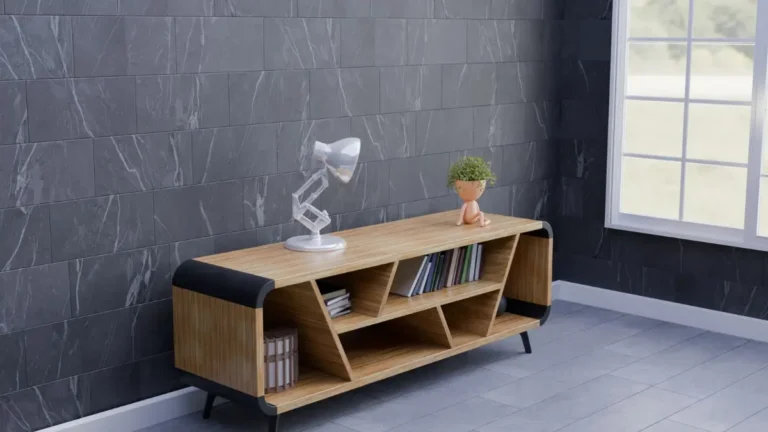
TV Cabinet Guide: Sizing to Your TV, Cable Management, Ventilation, Doors and Height
A TV cabinet holds your TV, hides your gear and sets the tone for the living room. A good one fits your television, keeps cables tidy, lets your devices breathe and puts the screen at a comfortable height. A poor one leaves the TV overhanging, traps heat in a closed box or makes you look up at the screen all night.
This article is part of our tv stand buying guide, where you can compare related options.
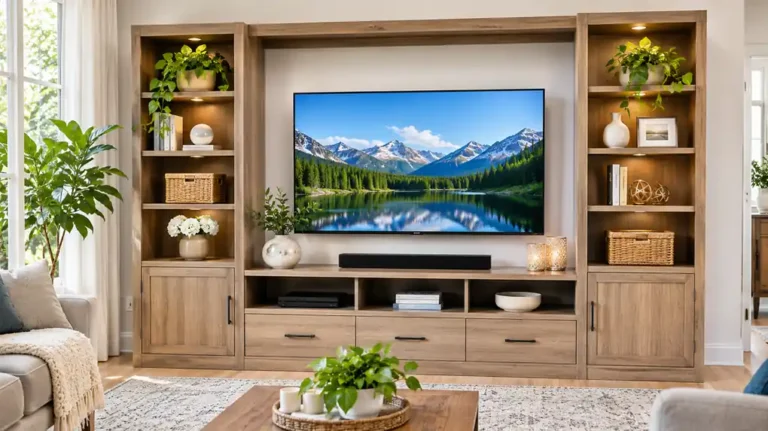
A TV cabinet, also called a TV console, TV stand or media cabinet, is a low piece of furniture that supports a TV and stores media equipment. This guide explains how to size a cabinet to your TV, why cable management and ventilation matter, how to choose doors and storage, what height to aim for and how to place it. For corner placements, see the corner TV stand guide.

Size the Cabinet to the TV
Several guides warn against matching the TV’s diagonal size to the cabinet. One notes that the physical width of a television is always shorter than its diagonal screen size. Another gives an example: a 55-inch set is roughly 121 centimeters wide, so the cabinet should be a bit wider than that.
How to measure:
- Measure the TV’s actual width, edge to edge, including the bezel.
- Measure the TV’s feet or stand spacing, if it sits on the cabinet.
- Choose a cabinet wider than the TV, with a few inches on each side.
- Leave space for a soundbar or speakers.
- Check the depth for the TV stand and any devices.
- Check the weight rating against the TV’s weight, with margin.
A cabinet wider than the TV looks balanced. A TV that is wider than the cabinet looks unstable and can tip.
| TV size (diagonal) | Approximate TV width (general) | Cabinet width to aim for |
|---|---|---|
| 43 inch | About 38 inches | At least 45 to 50 inches |
| 55 inch | About 48 inches (121 cm) | At least 55 to 60 inches |
| 65 inch | About 57 inches | At least 65 to 70 inches |
| 75 inch | About 66 inches | At least 75 to 80 inches |
(Widths are approximate and vary by model. One source gives 121 cm for a 55-inch TV.)
Cable Management
Cables can ruin a clean look.
Space behind the TV stand. Look for 2 to 3 inches behind the TV stand for power cables, HDMI cables and streaming device dongles. Rear panel openings. Look for a rear panel with openings large enough for a bundled power strip. One guide criticizes designs with a single small hole as more decorative than functional. Cord channels and clips. Open back or cut-outs for easy access. Power strip inside the cabinet. Label cables so you can find them. Cable ties for neatness.
Check that the openings line up with where your devices will go.
Ventilation
Enclosed electronics can overheat. One source advises keeping at least 4 inches of vertical clearance above the device in closed compartments. For doors, another suggests slatted timber doors or breathable mesh fronts so heat can escape.
Tips: avoid sealed cabinets for consoles and receivers that run hot; leave gaps behind and above devices; use doors with vents or open shelves; place the cabinet away from heat vents; check that remote controls work through the doors, or use an IR extender.
Doors and Storage
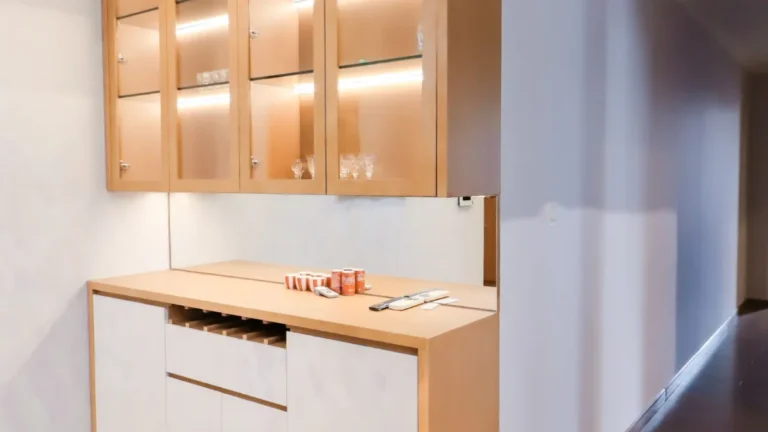
Open shelves. Easy access and good airflow. Show your devices and decor. Closed doors. Hide clutter. Choose breathable fronts. Glass doors. Show items and let remotes work, but show dust. A glass TV cabinet appears in one set of guides. Sliding doors. Save space. Drawers. For small items like remotes and games. Adjustable shelves. Help with taller devices such as gaming consoles. Depth. Deep equipment can stop doors from closing. If your devices are deeper than the cabinet’s interior, they may protrude or prevent the cabinet doors from closing properly.
Plan what you will store: console, cable box, speakers, discs, controllers, blankets or toys.
Height and Viewing
For floor-standing setups, one guide suggests a console height of 45 to 55 centimeters (about 18 to 22 inches) for a comfortable viewing angle. For wall-mounted TVs, a lower cabinet of 30 to 40 centimeters (about 12 to 16 inches) keeps the look low-profile.
The center of the screen should be close to eye level when seated. Many sofa seats are around 17 to 19 inches high, so a TV center around 40 to 45 inches from the floor is common (general guideline). Add the cabinet height and TV height, and check it. A TV that is too high strains the neck. See the monitor stand guide for ergonomic eye level notes.
Wall-Mounted vs Floor-Standing
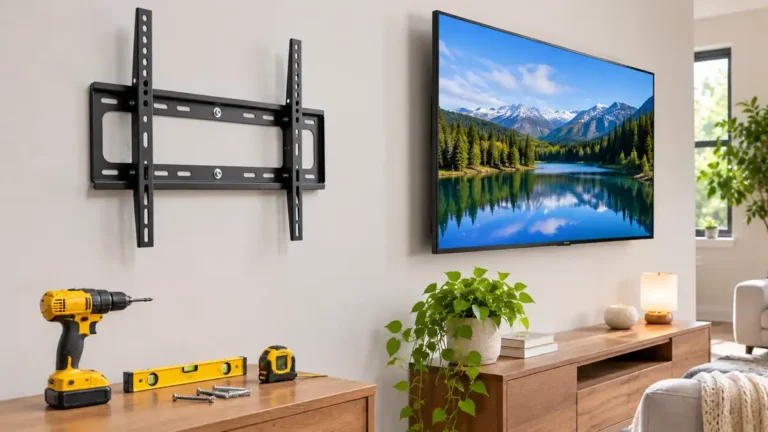
Floor-standing cabinet: sits on the floor and holds the TV on top. Easy to install. Wall-mounted TV with a low cabinet: the TV hangs on the wall, and the cabinet sits below for devices. Looks sleek. Needs a secure wall mount into studs. Plan cable routing. Wall-hung cabinet: the cabinet itself floats on the wall. Saves floor space but needs strong mounting. See the floating vanity guide for mounting principles.
For large TVs, ask a professional about mounting.
Safety
Key points: anchor the TV to the cabinet or wall with anti-tip straps; check weight limits; do not overload shelves; keep cords away from kids and pets; make sure the cabinet is level; do not place a heavy TV on a lightweight cabinet.
Materials and Style
Key points: wood and veneer. Warm and durable. See the wood dresser and wood coffee table guides; MDF and particleboard. Common and affordable; metal and glass. Modern; rattan or cane fronts. Textured. See the rattan dresser guide; painted finishes. Match your wall color; ultra-thin or slim cabinets. For wall-mounted TVs; large entertainment centers. With side display space.
Match the cabinet to your other furniture, and consider a finish that hides fingerprints and dust.
How to Choose a TV Cabinet
Measure your TV’s width and weight. Pick a cabinet wider than the TV. Check the weight rating. Check the cable management and rear openings. Check ventilation for your devices. Choose doors, shelves or drawers based on your storage needs. Check the height for comfortable viewing. Check the depth for devices. Decide on wall mounting or floor standing. Read reviews for stability and assembly.
What mistakes should you avoid?
A few common mistakes are worth avoiding: matching the diagonal size to the cabinet width; buying a cabinet too narrow for the TV; sealing electronics in a closed box; ignoring cable openings; choosing a cabinet that is too tall; skipping the weight rating; not securing the TV.
Frequently Asked Questions
How wide should a TV cabinet be?
A few inches wider than the TV’s actual width. One source says a 55-inch TV is roughly 121 cm wide.
How high should a TV cabinet be?
For floor-standing setups, one guide suggests about 45 to 55 cm. For wall-mounted TVs, a lower 30 to 40 cm cabinet works.
Do I need ventilation in a TV cabinet?
Yes. One source advises at least 4 inches of vertical clearance above devices in closed compartments.
How do I hide cables?
Use cabinets with rear openings, cord channels, clips and a power strip.
Can I put a TV on any cabinet?
Only if the cabinet is rated for the TV’s weight and wide enough.
Should I mount my TV on the wall?
It looks sleek and saves space, but needs secure mounting.
Conclusion
A good TV cabinet fits your TV’s width, supports its weight, hides the cables and lets your devices breathe. Measure the TV itself, not the diagonal, check cable openings and ventilation and choose a height that makes viewing comfortable.
Secure the TV, and pick a finish that fits your room. With the right cabinet, your living room looks neat and your TV is safe and easy to enjoy.
Related guides
 TV Trays Guide: Folding Tables, Sizes, Materials, Stability and StorageTV trays are small, foldable tables that let you eat dinner on the couch, hold a laptop, put down a drink or…Read more →
 Small TV Guide: Best Sizes (24 to 32 Inch), Viewing Distance and ResolutionNot every TV needs to be a giant screen. A small TV fits in a bedroom, a kitchen, a dorm room, a home office or anRead more →
 TV Stand: How to Choose the Right Size, Style and StorageA TV stand does more than hold up your screen. It decides how your living room looks, where your cables go and…Read more →
 Glass Cabinet: Tempered vs Regular Glass, Thickness, Safety and Wall AnchoringTempered or laminated glass is the safer choice for a glass cabinet, especially in a home with children.…Read more →