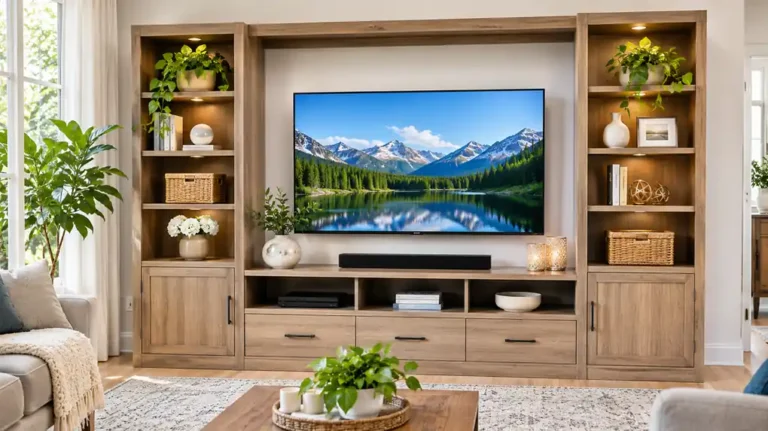
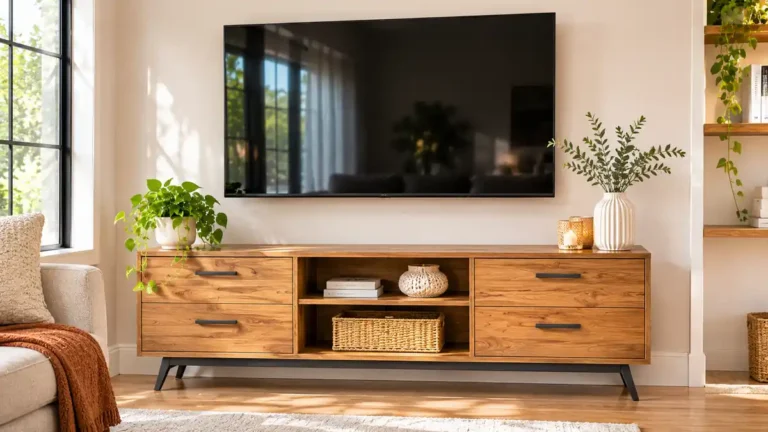
Media Console Guide: Size for Your TV, Depth, Storage, Cables and Ventilation
A media console is the low cabinet that sits under your TV. It holds your streaming box, game console, soundbar and cables, and it hides the clutter behind doors or drawers. A good one makes the whole wall look neat. A bad one overheats your gear or leaves wires dangling.
This article is part of our tv stand buying guide, where you can compare related options.
A media console is a long, low piece of furniture designed to hold a TV and its devices. It’s similar to a TV stand, but media consoles usually have more enclosed storage, better cable routing and a wider, more finished look. Some double as a sideboard.
This guide explains how to size a media console for your TV, what depth you need, how to choose storage, how to handle cables and ventilation and what it costs. See the TV stand and entertainment center guides for related pieces. You’ll also find a comparison table, a checklist and answers to common questions.
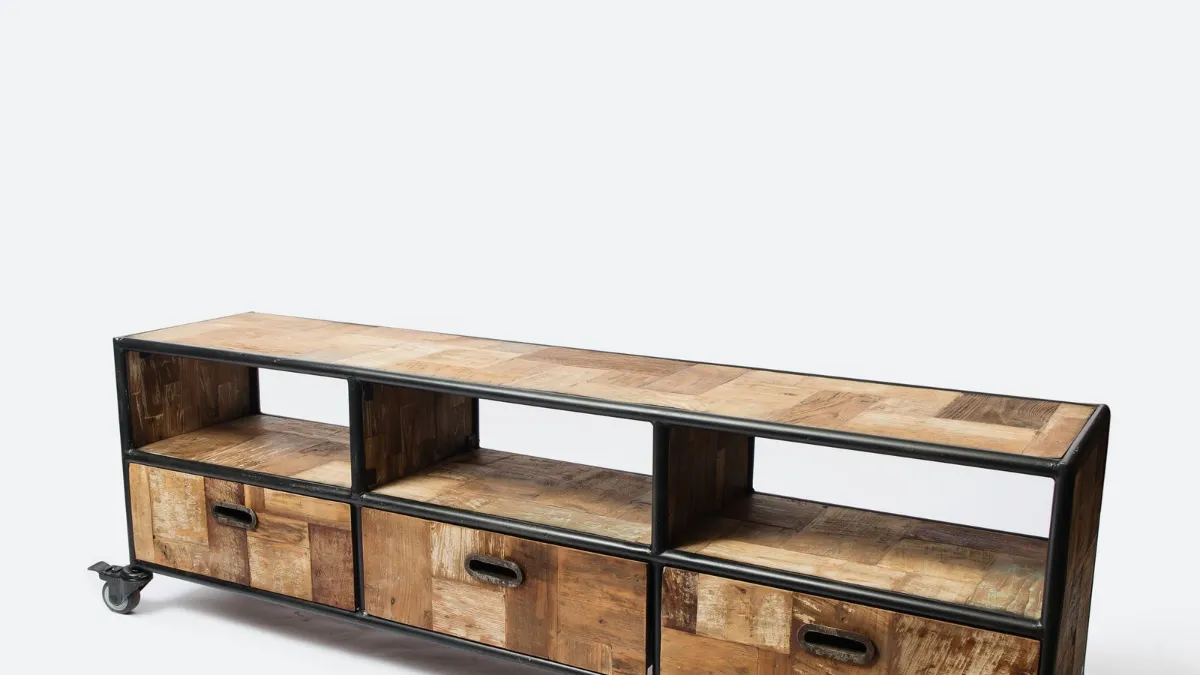
Media Console vs TV Stand
One comparison notes that TV stands often offer broader price ranges and more open shelving, while media consoles tend to cost more and offer better routing and enclosed storage. In practice, the names overlap.
| Feature | TV stand | Media console |
|---|---|---|
| Size | Small to medium | Medium to wide |
| Storage | Open shelves, few doors | Doors and drawers |
| Cable routing | Basic | Often better |
| Look | Simple | Furniture-like |
| Price | Wider range | Often higher |
How Wide Should a Media Console Be?
Guidance conflicts. One guide suggests a stand be at least as wide as the TV and ideally extend 6 to 12 inches past it on each side, which leaves room for decor or speakers. Another gives a typical console width of 48 to 72 inches. A third suggests about 38 to 44 inches for a 32 inch TV.
A fourth argues that a stand which is too long can crowd the room and make walkways awkward, so it can make more sense to choose a compact TV stand in tight spaces. Measure the wall and walkways. A 65 inch TV is about 57 inches wide, so a console of 60 inches or more looks balanced.
Steps:
- Measure the actual width of your TV, not just the diagonal size.
- Add at least a few inches on each side.
- Measure the wall space.
- Leave walking room.
- Check that the TV’s feet fit on the top, or plan a wall mount.
Depth and Height
One guide recommends the console be several inches deeper than your deepest component so air can move and cables can route behind it. Another recommends measuring depth for devices like game consoles and receivers, which may need roughly 14 to 16 inches.
Height is less consistently covered. One source puts typical stand heights at about 20 to 30 inches and ties comfort to seated eye level. If the TV sits on the console, the combined height should put the center of the screen near eye level when you sit. A lower console works well with a wall-mounted TV above. See the how to mount TV on wall guide.
Storage: Open vs Closed
Media consoles usually have more enclosed cabinets or drawers than a basic stand, which hides clutter. Open shelving is easier to access and helps airflow, but it requires more careful cable organization.
Choose closed storage if you have many devices or want a clean look. Choose open shelving if you prefer a minimalist look or use devices that need a clear signal for remote controls.
Mixed designs combine both. Open center bays hold devices, and closed side cabinets hide discs, games and blankets.
Think about what you’ll store: streaming devices and game consoles; soundbar or receiver; discs and games; remotes and controllers; photos and decor; blankets and baskets.
Count your items and add room to grow.
Cable Management
Look for grommets, rear cutouts, internal channels or raceways. Check where your wall outlets are before buying, since a stand placed away from an outlet can be hard to wire.
Key points: make sure the cutouts are large enough for plugs; use cable ties and sleeves; use a surge-protected power strip inside the console; keep power cords away from signal cables; label cables; leave a little slack so you can pull the console away from the wall.
Ventilation
Electronics produce heat. Louvered or slatted doors and back panels with cutouts or mesh help prevent overheating in enclosed cabinets. Leave clearance around the TV and components.
Key points: don’t stack devices tightly; leave space above and behind each device; avoid putting a hot receiver in a tightly closed cabinet; consider a small quiet fan for very closed units; doors can block remote signals. Use open bays, glass doors or an IR repeater.
Materials and Style
Solid wood: sturdy and long lasting. Heavier and more costly. Engineered wood or MDF: lower cost, many finishes. Metal: slim and modern. Glass: light, but shows fingerprints. Mixed materials: wood with metal legs or cane doors.
Choose a style that suits your room. Mid-century, modern, farmhouse and traditional styles are common. Raised legs make a room feel more open, and a solid base looks substantial.
Cost
Price estimates vary by source. One puts mid-range consoles with decent storage and cable management at about $250 to $600. Higher-end solid wood or designer pieces cost more, and basic engineered wood pieces cost less. Compare materials, hardware and warranty.
Weight and Stability
Check the weight rating for the top, especially if you put a heavy TV on it. One guide advises that the rated top capacity should exceed the actual TV weight by at least 20 percent to account for decorative items. Anchor tall or heavy pieces to the wall, and use anti-tip straps for TVs, especially with kids or pets.
How to Choose a Media Console
Measure your TV and the wall. Choose the width. At least as wide as the TV, with a few inches extra. Check the depth for your devices. Check the height for comfortable viewing. Decide on open or closed storage. Check cable cutouts and outlet access. Check ventilation. Check the weight rating. Choose the material and finish. Read reviews for notes on assembly and stability.
What mistakes should you avoid?
A few common mistakes are worth avoiding: choosing a console narrower than the TV (the TV looks unstable); ignoring depth (devices don’t fit); blocking vents (gear overheats); forgetting about cables (wires dangle); buying a console that’s too long for the wall (walkways get tight); not checking the weight rating (the top may sag).
Frequently Asked Questions
What size media console do I need?
At least as wide as your TV, and ideally 6 to 12 inches wider on each side, according to one guide. Typical widths are 48 to 72 inches.
How deep should a media console be?
Several inches deeper than your deepest device. Game consoles and receivers may need 14 to 16 inches.
What is the difference between a media console and a TV stand?
Media consoles usually offer more enclosed storage and better cable routing, and often cost more.
Should I choose open or closed storage?
Closed hides clutter. Open helps airflow and remote access. Mixed designs offer both.
How do I prevent my devices from overheating?
Choose a console with ventilation, leave space around devices and avoid cramming them into closed cabinets.
How much does a media console cost?
One source estimates $250 to $600 for mid-range consoles. Prices vary.
Conclusion
A media console keeps your TV area organized and your devices cool. Choose a width that suits your TV, a depth that fits your devices and storage that matches your habits.
Plan cable routing and ventilation, check weight ratings and anchor tall units. With the right media console, your entertainment area stays tidy and functional.
Related guides
 TV Console Table Guide: Width, Height, Viewing Distance, Cable Management and Safe PlacementQuick answer: a TV console table should be wider than the TV itself, ideally about 20 to 30 centimeters (8 to…Read more →
 Modern TV Stand Guide: Size, Height, Wall-Mount Options, Cable Management and Tip-Over SafetyQuick answer: a modern TV stand should be wider than your TV so the screen does not overhang, sit at a height…Read more →
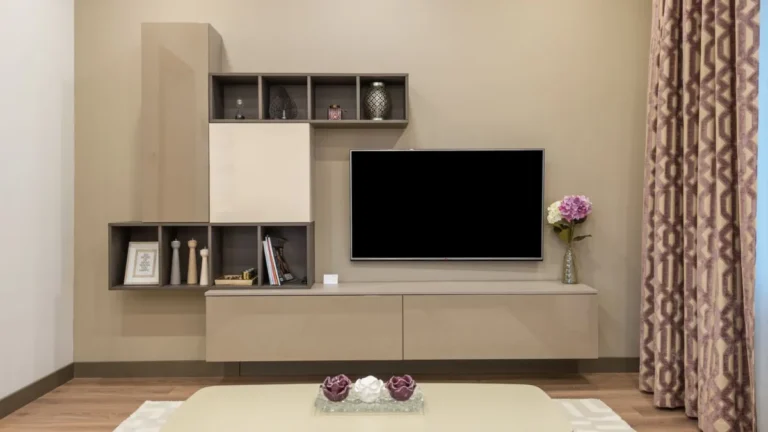 TV Cabinet Guide: Sizing to Your TV, Cable Management, Ventilation, Doors and HeightA TV cabinet holds your TV, hides your gear and sets the tone for the living room. A good one fits your…Read more →
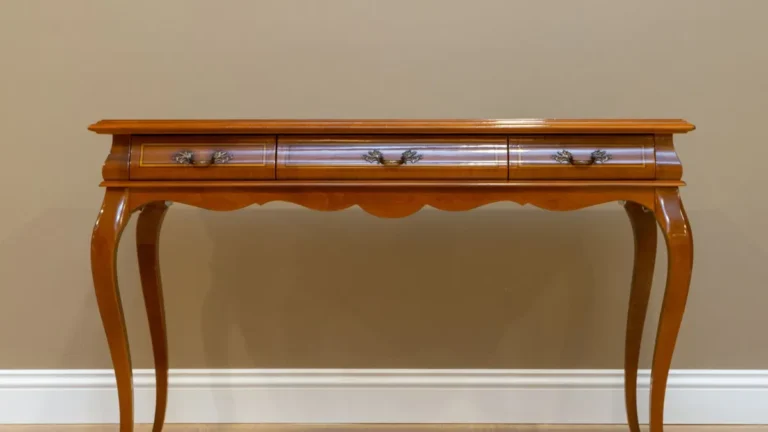 Console Table: Size, Height, Styling and Where to Use OneA console table is one of the most useful pieces of furniture in a home. It s slim enough to fit in tight…Read more →